Unit Page - Unit Support Review
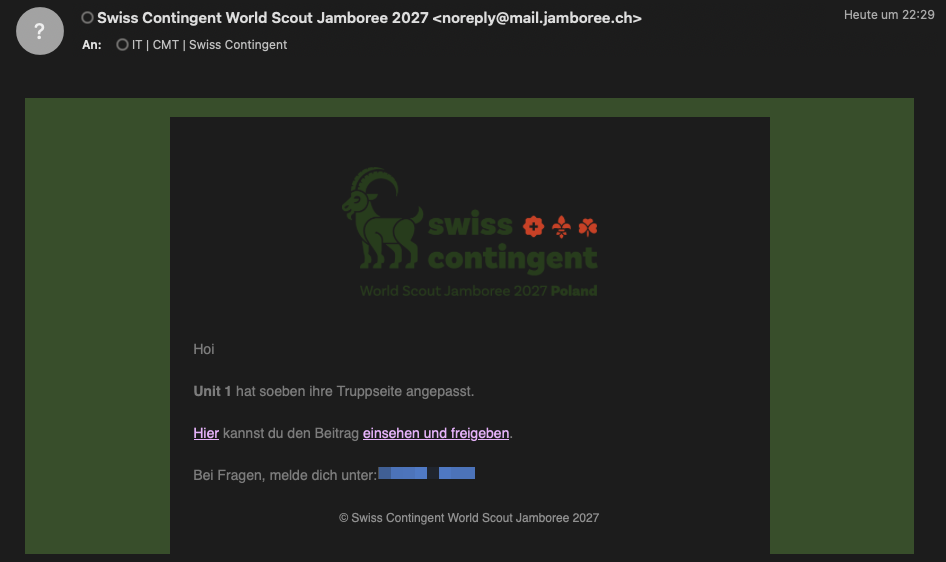
As soon as your assigned unit has submitted their page for review, you’ll receive a notification email:
1. Review the Submission
Click the link einsehen und freigeben (view and approve) in the email and check the content of the unit page.
Make sure all fields are filled in correctly and the content is appropriate before approving.
2. Publish the Page
Once you are happy with the content, publish the unit page via the FREIGEBEN (approve) button.
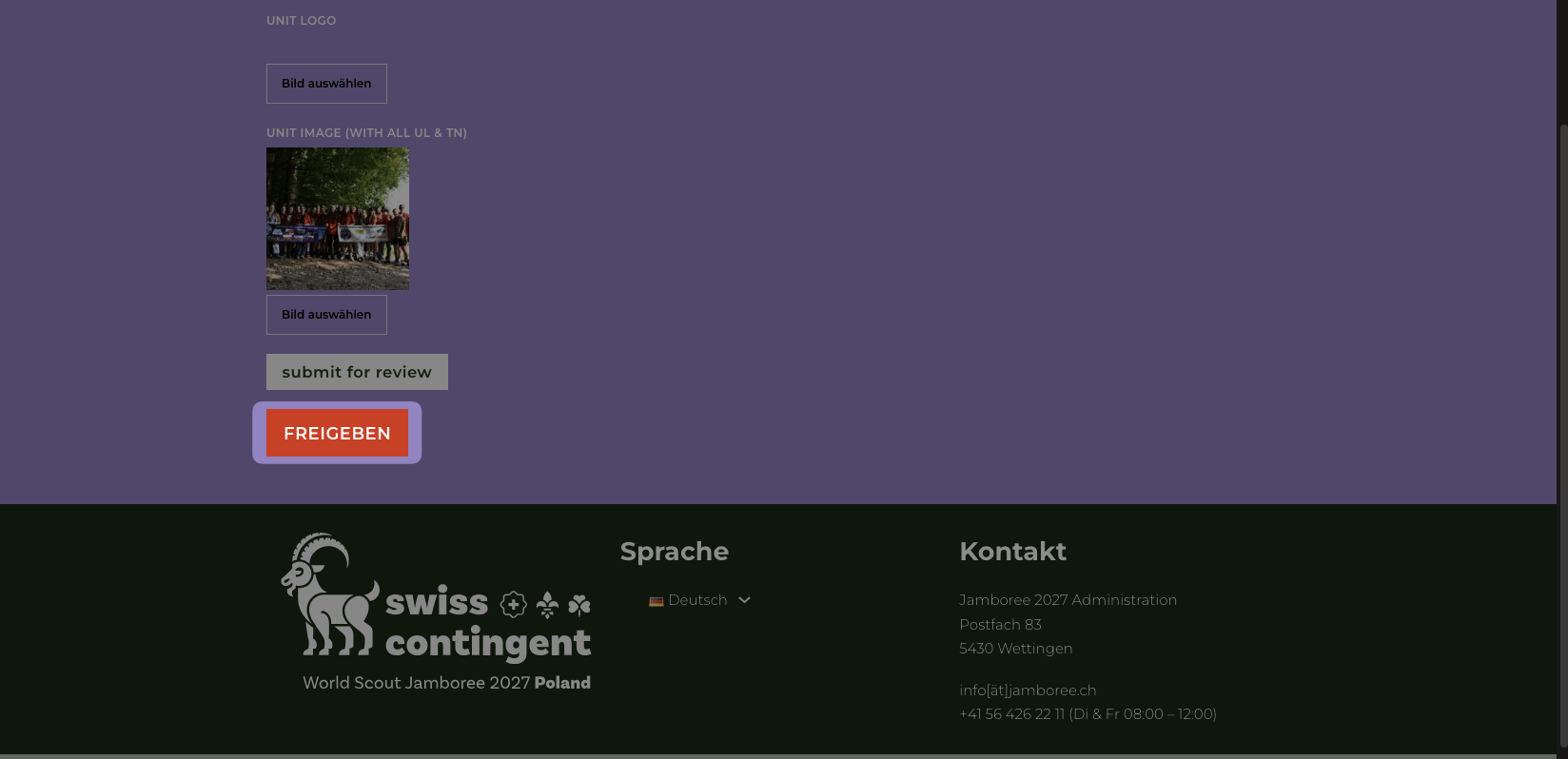
After publishing, the page is publicly accessible on the website without any login required.
Questions?
If you have any questions, please reach out to the Jamboree IT team.